
File Size : 0.1 Mb
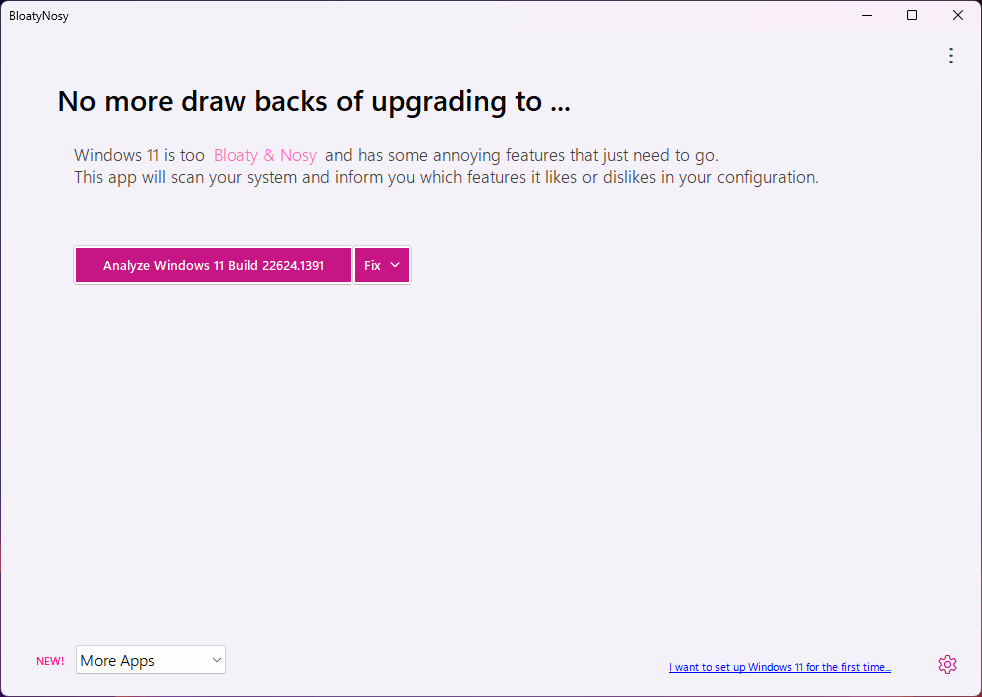
This debloater for Windows 11 can help clean up your machine and disable the redundant features of Microsoft's new OS, while also featuring some additional tools for convenience.
Analyzes your system
Before coming up with any suggestions, the software will first run a system analysis to look for anything odd. This should take a minute at most, and the resulting suggestions will be based on your configuration. What helps is that the software assigns a priority rating to each of its suggestions, which can help users ascertain whether a fix is worth applying.
As usual, these fixes are varied in nature. Whether they're with regard to your Explorer, Desktop, Taskbar, Privacy, and other such categories, everything is compartmentalized so that it's easier to get an idea on the fixes that are worth prioritizing in your use cases.
Also features a few additional nice-to-haves
Through InstaPackage, users can easily install a few essential programs for their machine. Think of this as a good way to install software after a fresh Windows install: the list of available software is generous enough to get you started off on the right foot. Simply select the packages you wish to install, and the tool will handle the rest.
In addition, BloatFinder can help you dispense with other elements from your system you might find irrelevant or undesirable. These include default Windows apps that you may never use, such as YourPhone, the Xbox app, and so on.
A solid Windows debloater
BloatyNosy makes debloating your Windows 11 machine accessible for all, thanks to an intuitive process that is almost automatic.
HomePage:
https://github.com/builtbybel/BloatyNosy
Download
Bloatynosy Nue 0.87.100
Size: • Version:
Archive password: Password not set
